Manage orgs
Overview
Slingshot utilizes a permission-enabled tag called Org to represent your organizational hierarchy. The org tag contains two levels: parent org and child units. Orgs are used for both access control and cost attribution.
- For access control, when a role is assigned to the parent org, the role has access to all of its child units.
- For cost attribution, when an object is assigned to a child org, the cost rolls up to the parent org.
Admins can manage orgs from the Slingshot tags > Manage tags screen.
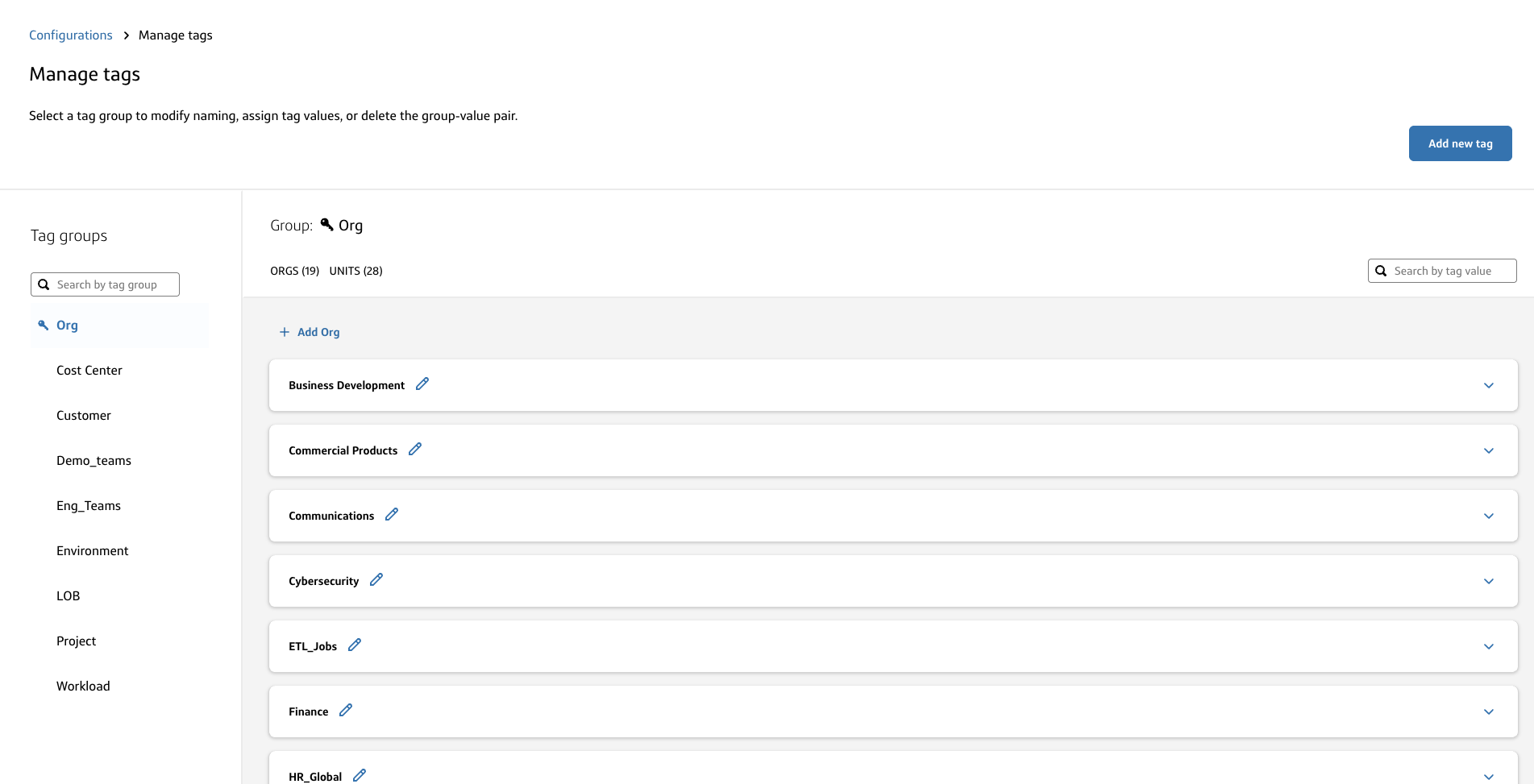
- To assign orgs and roles to users, go to User management.
- To assign orgs to objects, go to Assign tags.
Roles for managing orgs
- View and manage parent orgs
- Tenant admin
- View and manage child units
- Tenant admin
- Snowflake admin of a parent org
Default org tag
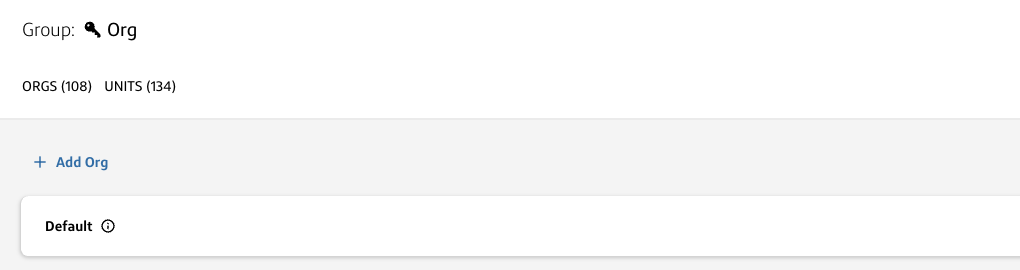
- All objects will be assigned to a default org when first onboarded into Slingshot.
- The default org tag is a system-generated, read-only tag.
ℹ️The only roles that will automatically get access to the objects assigned to the default org tag are the Tenant admin and Snowflake admin.
Requirements for org names
- The names of all orgs (parent and child) must be unique.
- The name of any org has a max character length of 255.
- The name of any org must only contain alphanumeric characters or the special characters
_and-with no spaces.
Manage orgs
To access the Manage Slingshot Tags screen:
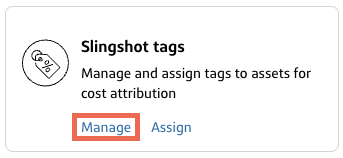
- Select Configurations at the bottom of the left navigation menu.
- On the Slingshot tags card, select Manage tags.
Create orgs
To create an org:
- On the Manage tags page, select Add Org.
- Type an org name.
- Click Save.
Create org units
To create an child unit of an org:
- Expand an existing org.
- Click Add unit.
- Type a unit name.
- Click Save.
ℹ️
Admins of a parent org will be auto-assigned to newly created child units.
- To assign other roles, go to User Management.
- To assign objects, go to Assign tags.
Rename orgs/units
To rename an org/unit:
- Select the pencil icon next to the existing org/unit.
- Edit the name.
- Click Save.
Delete orgs
⚠️
Deleting orgs/units unassigns any users and LDAP groups from the org.
- On the Manage tags page, select the trash can icon next to the tag. A confirmation dialog displays.
- Select Delete.
ℹ️In order to delete an org/unit, you must first reassign any objects that are currently assigned to that org/unit.